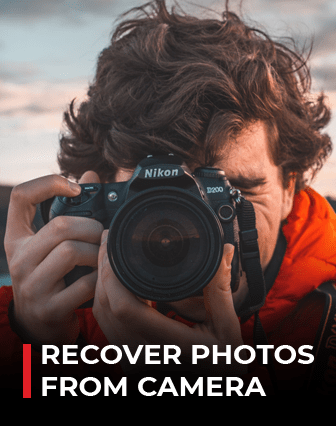
The evolution of digital camera has given an ample space to its users to capture even the tiniest moment of their lives and relish them in future. One of the best features of digital camera is that you can capture and delete the image until you get satisfied. Therefore, all digital cameras use memory cards to store the captured photos and videos. There are various kinds of memory cards available with different storage space, speed and sizes.
Sometimes our careless attitude or accidental pressing of deletion button of the digital camera may cause loss of our valuable photos. However, in most of the cases these photos are not permanently gone and you can recover lost or deleted pictures from digital camera.
Your photos or pictures are not deleted permanently when you delete your photos or format your drive. It remains there, only that the system marks the space on the memory card as unallocated and ready for overwriting. Only overwriting causes permanent deletion. Before overwriting, it is always possible to retrieve your photos from camera.
- Stop using the camera immediately after an unwanted deletion. Otherwise this may cause overwriting and make deleted photos unrecoverable forever.
- Don't pull out the memory card without switching off the camera as this may cause interruption in read/write process and can cause photo loss.
Recovering of deleted photos is now possible and easy. There is software to recover deleted photos or picture. With Do-it –Yourself Photo Recovery solutions from Stellar you can recover your lost/deleted photos even from formatted camera memory card. It is an award winning software and supports photo recovery from all types of digital cameras. Start downloading your photo recovery software now!!
After downloading and installing Stellar Photo Recovery, follow these steps to recover deleted photos from your camera:
- Launch the software and choose the file type you wish to recover.
- Next, Select the drive or storage media (SD card, USB, etc.) and click Scan to begin the process.
- Once finished, a "Scanning Completed Successfully!" dialog will appear.e
- Select the desired files and choose Recover. In the dialog box, specify the location to save the media files. Click Save to save the file in desired location.


Note: You can customize your recovery by selecting only the specific file type from the list under Add RAW file formats. This helps speed up the process and improves recovery accuracy.

In the left pane, you can preview images directly within the interface to verify their quality and confirm they are safe before recovery.